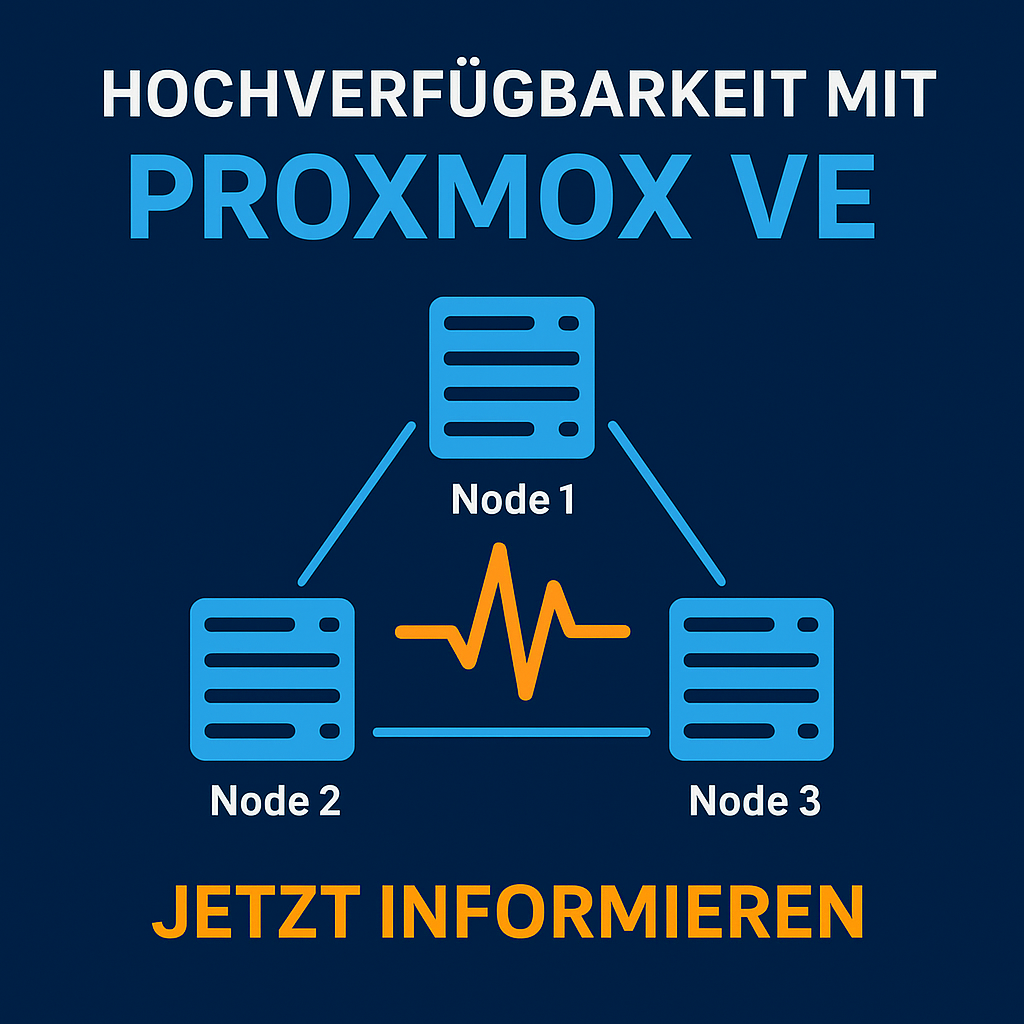
Organisations with virtualised infrastructures demand maximum availability and fault tolerance. Proxmox VE combines open-source technologies into a highly available cluster system that continues operating even during hardware failures — without licence costs, but with enterprise-grade performance.
This article explains the architecture of a Proxmox cluster, the HA functionality, typical configurations, and practical recommendations for production environments.
1. Fundamentals: Cluster Architecture in Proxmox VE
A Proxmox cluster is a logical group of at least two nodes that are managed collectively. Communication is handled via the Corosync protocol, which exchanges status information and quorum data.
| Component | Function | Description |
|---|---|---|
| Corosync | Cluster communication | Responsible for status & quorum |
| pmxcfs (Proxmox Cluster File System) | Configuration replication | Replicates VM configs across all nodes |
| pve-ha-manager | High availability monitoring | Restarts VMs on node failure |
| Fence mechanism | Fault isolation | Isolates faulty nodes from the cluster |
Cluster Network
-
Recommended: dedicated 1 Gbit / 10 Gbit network for Corosync
-
Redundant NICs with bonding (active-backup)
-
MTU value synchronised across all nodes
2. Building an HA Cluster
Example: 3-Node Cluster
| Node | Role | Details |
|---|---|---|
| pve01 | Primary | Quorum master |
| pve02 | Secondary | Failover target |
| pve03 | Secondary | Backup node / Ceph client |
Step-by-Step Configuration
-
Initialise the cluster: pvecm create clustername
-
Add nodes: pvecm add
-
Verify quorum: pvecm status
-
Define HA resource: Via the web GUI or CLI (ha-manager add vm:100)
-
Test functionality: Simulate shutting down a node — the VM should restart automatically.
3. Understanding High Availability (HA)
The HA manager monitors defined resources (e.g. VMs / containers). When a node fails, Corosync detects the loss and restarts the resource on another available host.
| Event | HA Manager Action |
|---|---|
| Node offline | VM started on another node |
| Quorum lost | No action (cluster freeze) |
| Node back online | Synchronisation & status recovery |
Important: An HA cluster is only as stable as its quorum design. For production systems, the following applies:
-
at least 3 nodes
-
Ceph storage or NFS backend with consistent access
4. Best Practices
| Area | Recommendation |
|---|---|
| Network | Dedicated Corosync LAN, LACP bonding |
| Storage | Shared storage (Ceph, iSCSI, NFS via TrueNAS) with multipath |
| Monitoring | Enable syslog, ha-manager status, email alerts |
| Backup | Integration with Proxmox Backup Server |
| Testing | Perform regular failover simulations |
Example: Ceph Cluster Layout
| Component | Count | Description |
|---|---|---|
| OSDs | 6 | Storage disks per node |
| MONs | 3 | Cluster monitoring |
| MGRs | 2 | Management processes |
| MDS | 1 | Optional for CephFS |
5. Benefits for Organisations
-
No licence costs: HA functionality included natively
-
Minimal downtime: automated failover
-
Scalability: straightforward node expansion
-
Centralised management: all resources via web GUI and API
Example calculation (with 10 VM hosts): Licence cost savings vs. proprietary solution approx. 30—40 % annually.
6. Conclusion
Proxmox VE delivers genuine enterprise high availability without additional licences. Thanks to its transparent architecture, open standards, and simple automation, it is ideal for production IT infrastructures with demanding availability requirements.
Request a Consultation or Demo
Your IT should always be running. With Proxmox VE, you ensure high availability without licence costs — our experts assist with design, cluster deployment, and operations.
—> Request a free initial consultation or demo now: Contact
DATAZONE supports you with implementation — contact us for a no-obligation consultation.
More on these topics:
More articles
Proxmox for Beginners: Your First VM in 30 Minutes
Proxmox beginner guide: install the ISO, set up the network bridge, create your first VM, use Cloud-Init and plan a backup — no prior knowledge, done in 30 minutes.
TrueNAS Proxmox Plugin exits pre-announcement: early-adopter rollout with signed APT repo
iXsystems has moved the TrueNAS storage plugin for Proxmox VE from pre-announcement to a concrete early-adopter rollout — signed APT packages for Bookworm and Trixie, a cluster-aware installer, multi-tenancy against a single TrueNAS, and official early-adopter status. What is new, what it means in practice, and where the limits are.
Proxmox Datacenter Manager 2026: a practical status after one year
What the Proxmox Datacenter Manager (PDM) really delivers in 2026: multi-cluster overview, central migration, SSO. What is still missing versus vCenter. A practical update from the trenches.