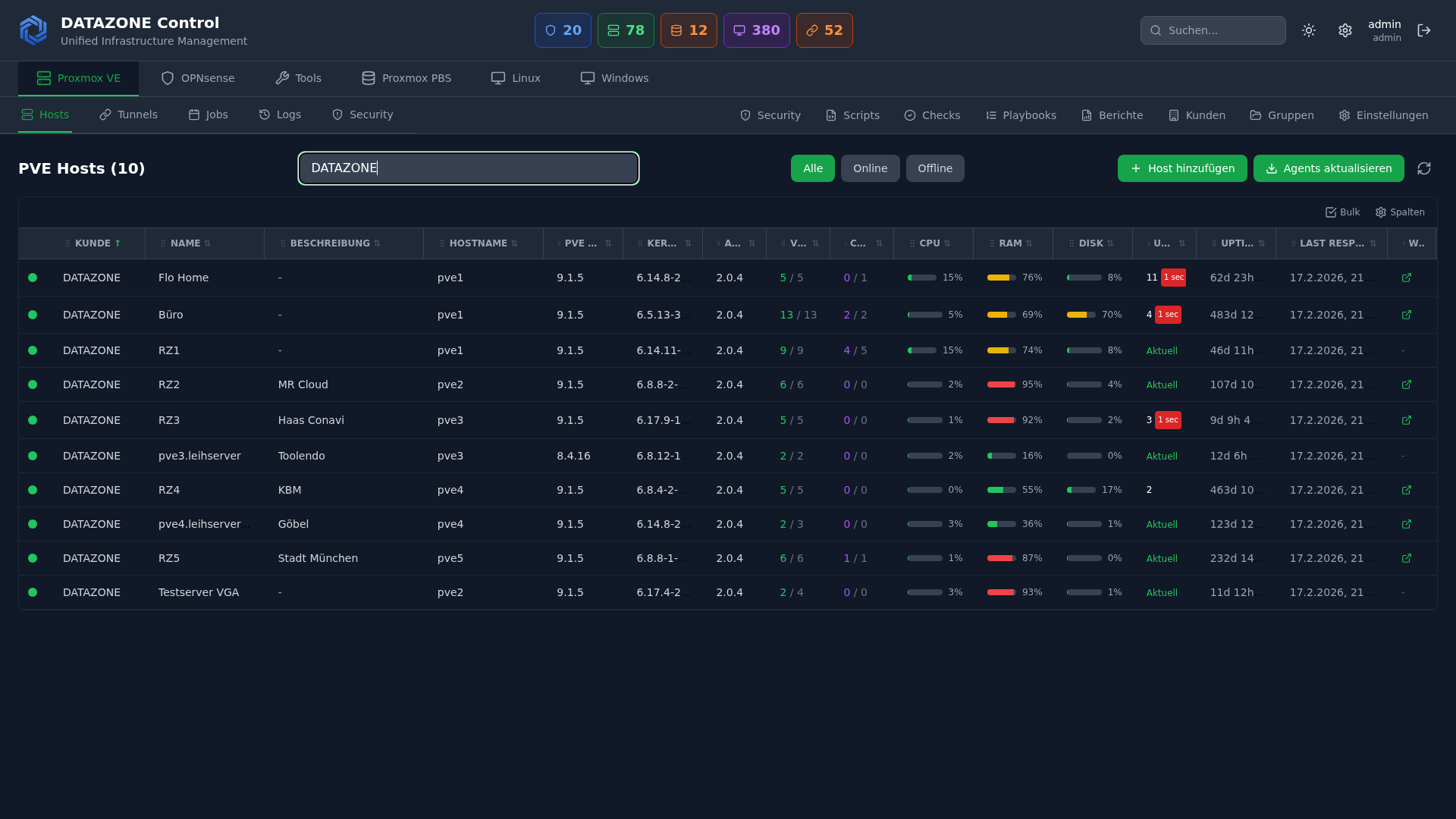
Managing heterogeneous IT infrastructures is becoming increasingly complex: Proxmox clusters, OPNsense firewalls, TrueNAS storage, Linux servers, and Windows systems — each with its own management interface, update cycle, and monitoring tools. DATAZONE Control is our answer to this challenge: a central platform that brings everything together in one dashboard.
The Challenge: Heterogeneous IT Landscapes
IT teams today typically manage:
- Proxmox VE clusters — VMs, containers, storage, backups
- OPNsense firewalls — rules, VPN tunnels, firmware updates
- TrueNAS storage — pools, datasets, replication
- Linux servers — various distributions, services, Docker containers
- Windows servers — patches, services, software inventory
Each of these systems comes with its own web interface, has its own update schedule, and requires separate monitoring configuration. The result: complexity, security gaps from forgotten updates, and high administrative overhead.
What Is DATAZONE Control?
DATAZONE Control is a cloud-based RMM platform (Remote Monitoring & Management) that we developed specifically for open-source infrastructure. Unlike generic RMM tools such as NinjaRMM or Datto, DATAZONE Control natively understands what a Proxmox cluster is, how an OPNsense firewall works, and what ZFS pools are — not just Windows.
Core Features
Unified Dashboard
All hosts at a glance: status, uptime, resource utilisation. Colour-coded health indicators immediately show where action is needed. Customer and group management enables clear organisation even with many systems.
Proxmox VE Management
- VM and container overview across all clusters
- Node status, storage utilisation, backup status
- One-click actions: update, reboot, hardware rescan
- Ceph status and pool health
OPNsense Firewall Management
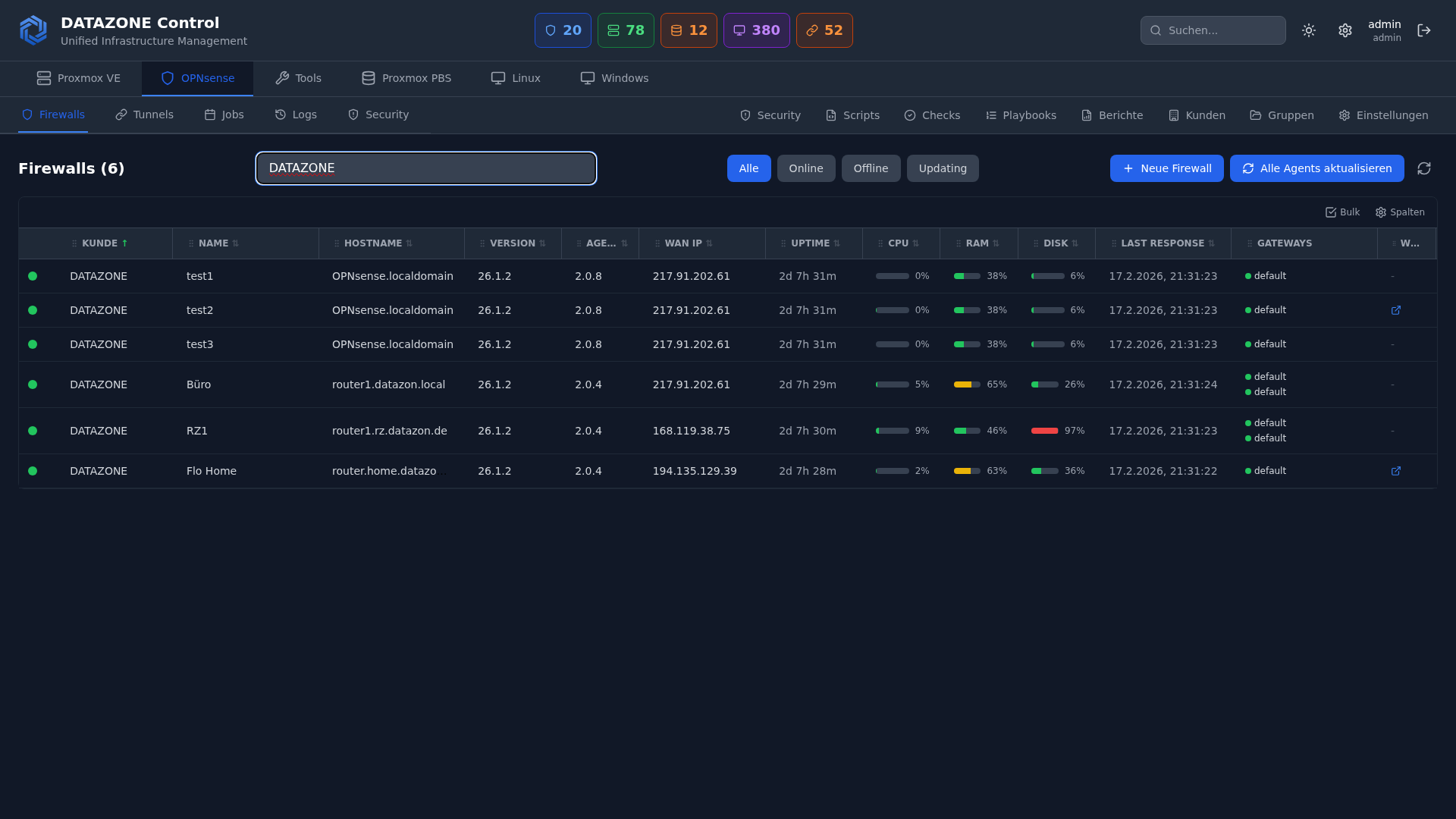
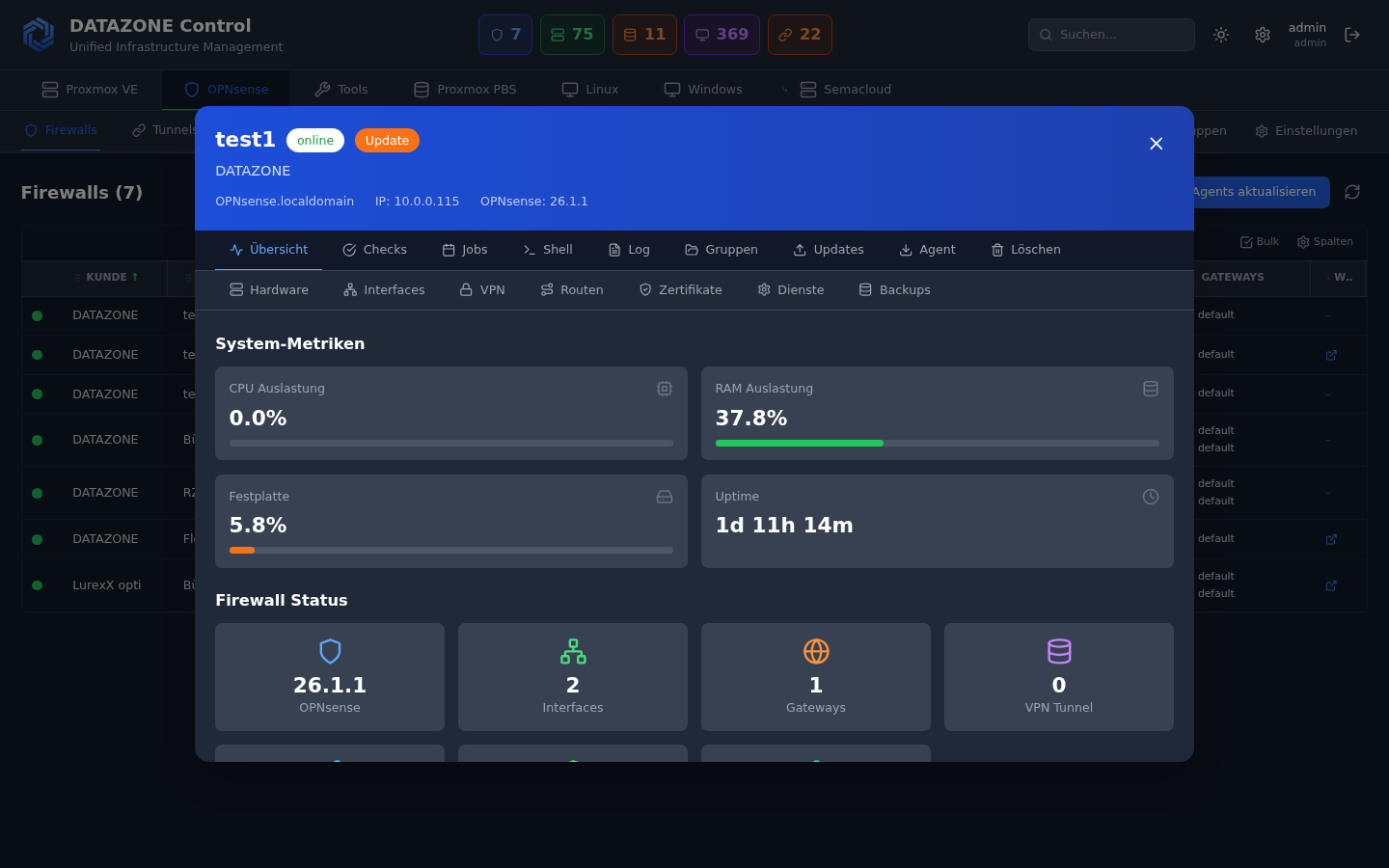
- Gateway status and VPN tunnel monitoring
- Firmware update management
- Interface and service monitoring
- Detailed view with VPN status and gateway monitoring
Windows Server Management
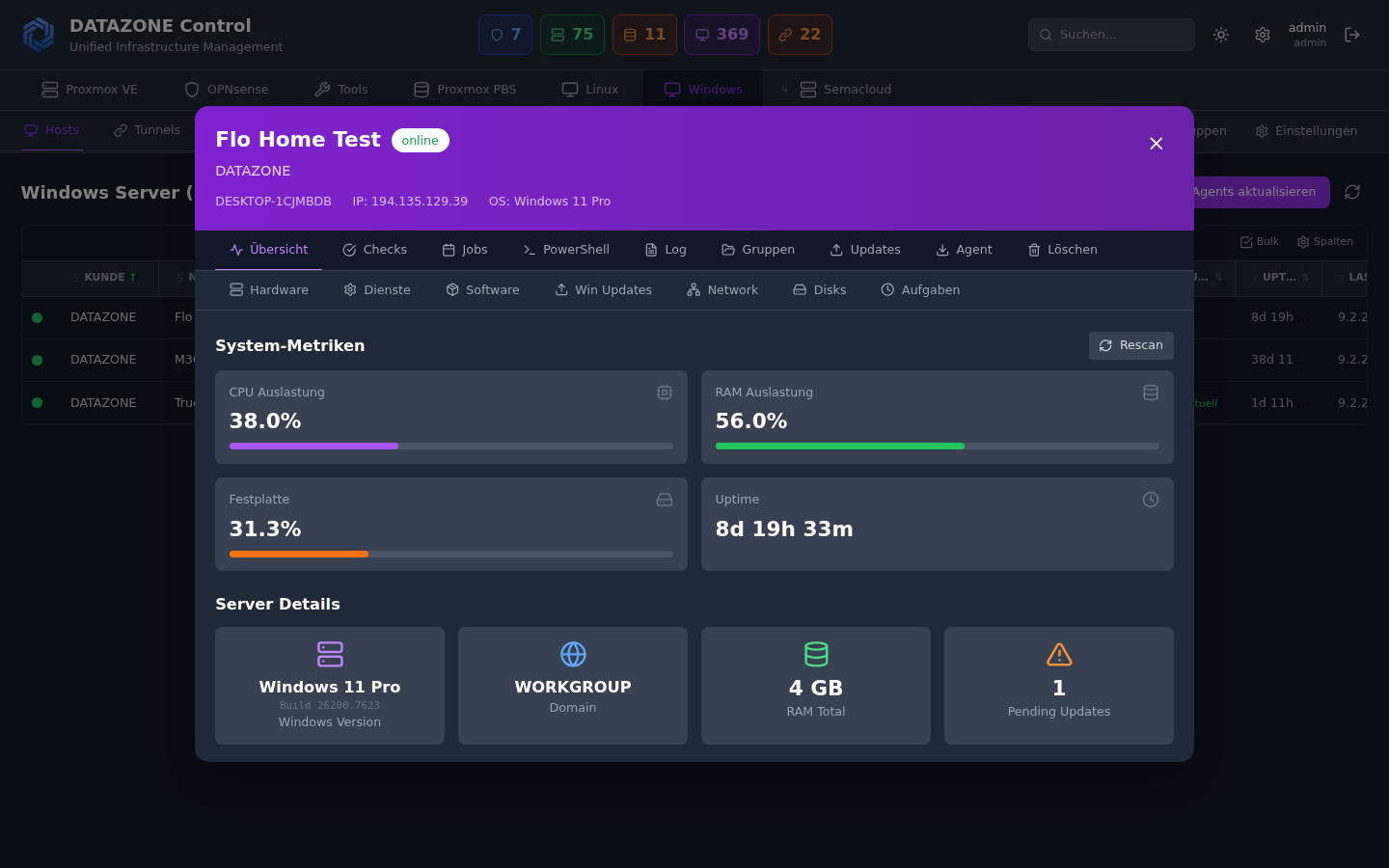
- Patch policy management — a genuine WSUS alternative
- Software inventory across all Windows hosts
- Service monitoring and management
- Winget integration for software deployment
Linux Server Management
- Package update management (apt, yum, dnf)
- Service monitoring (systemd)
- Docker container overview
- SSH session monitoring
- Open ports and network interfaces
Automation
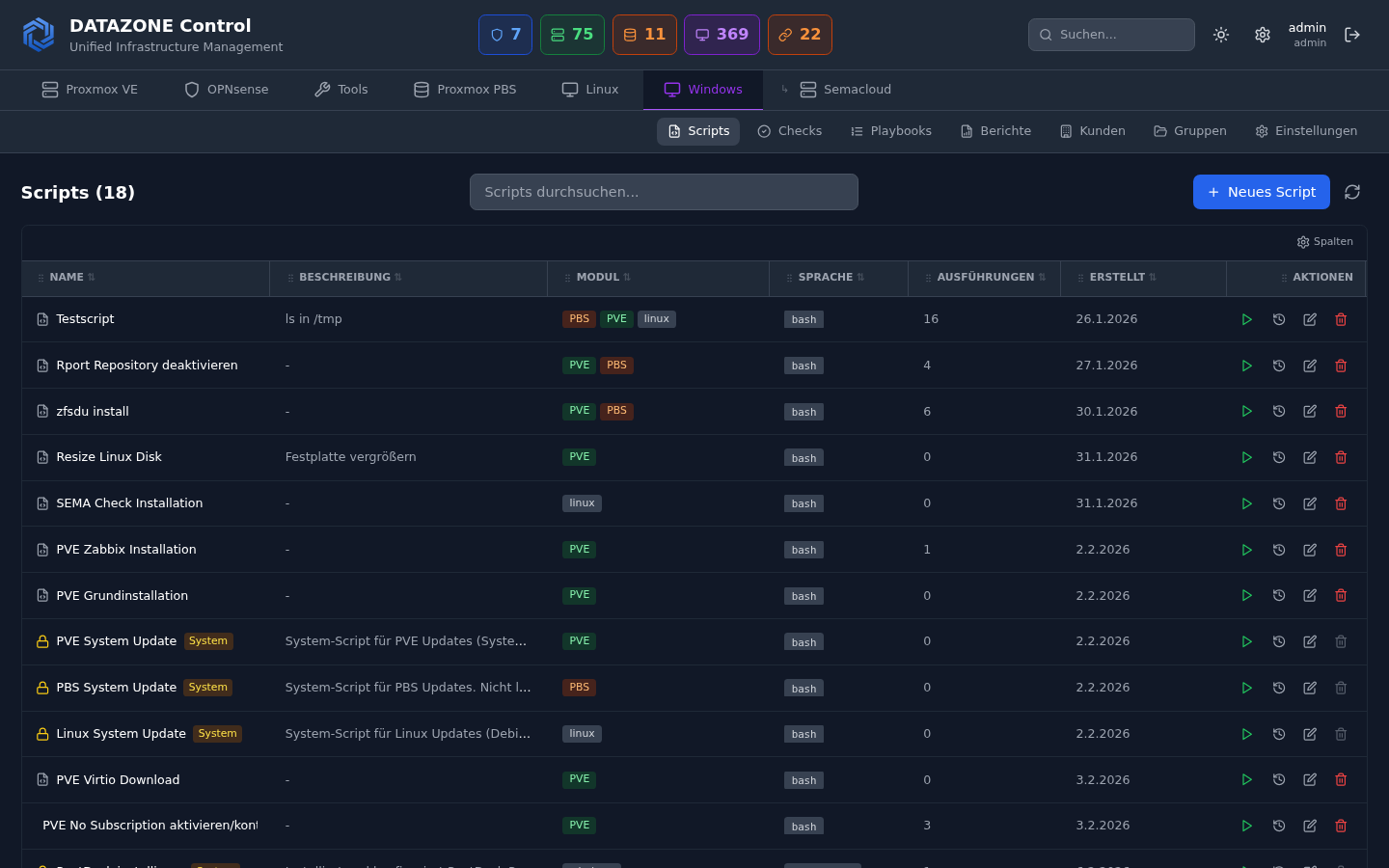
- Custom scripts — Bash, PowerShell, Python
- Playbooks — multi-step automation workflows
- Scheduled execution — cron-like schedules
- Auto-remediation — automatic problem resolution on check failures
- Checks — regular verifications with configurable thresholds
Security & Compliance
- Wazuh SIEM integration — real-time security alerts
- SCA (Security Configuration Assessment) — compliance scores per host
- Vulnerability detection — identification of known vulnerabilities
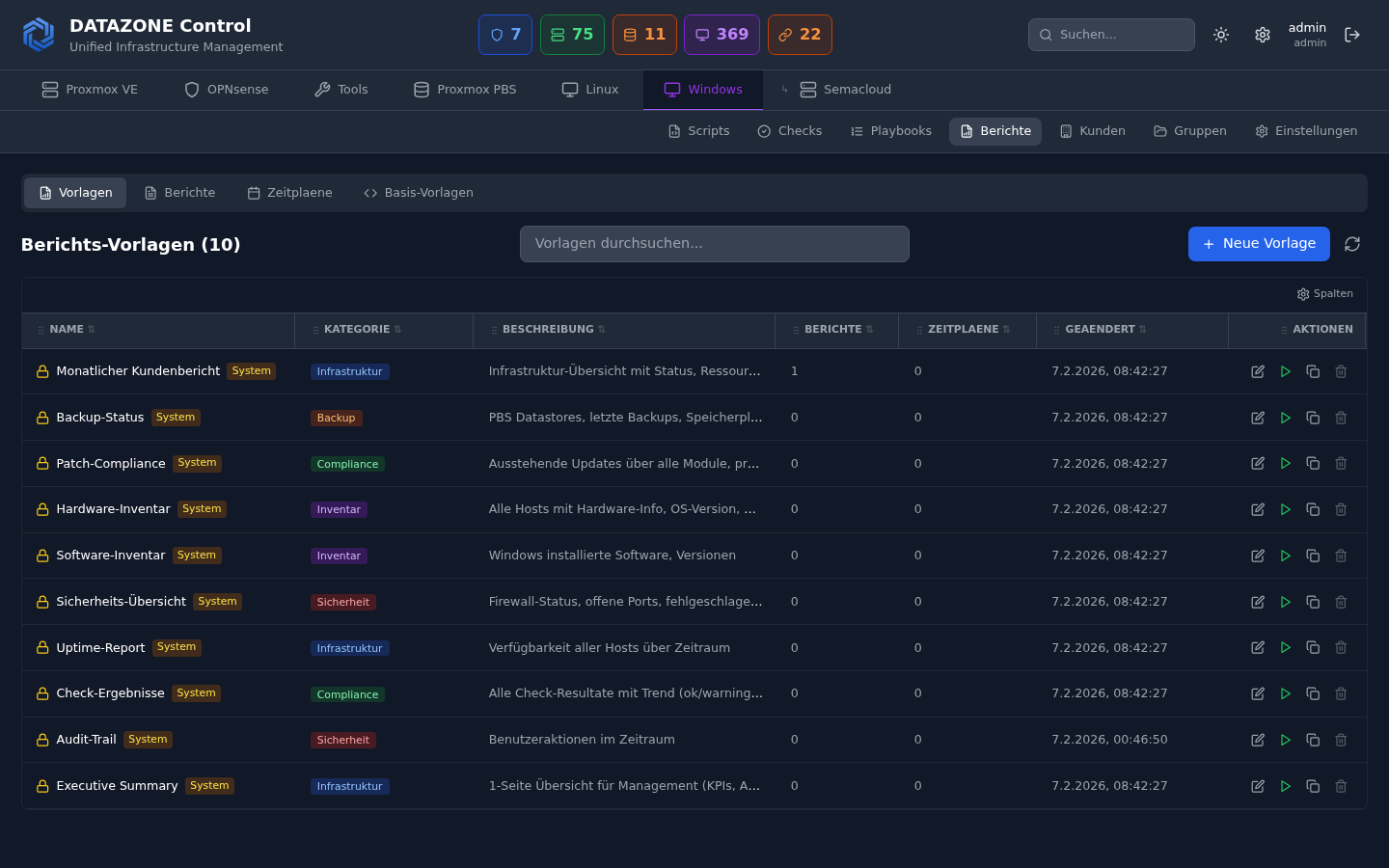
- Automated security reports — for MSP clients and internal audits
For MSPs and IT Departments
DATAZONE Control was built from the ground up with multi-tenancy architecture:
- Customer isolation — each customer sees only their own systems
- Role-based access — Admin, Ops, Viewer
- Audit logging — complete record of all actions
- Branded reports — professional reports for your clients
Why Not Just Use Existing Tools?
| Tool | Limitation |
|---|---|
| Proxmox Web GUI | Only manages Proxmox, no cross-platform view |
| OPNsense GUI | Only manages a single firewall |
| NinjaRMM / Datto | Windows-centric, poor Linux/Proxmox support |
| Zabbix / Nagios | Monitoring only, no management actions |
| Ansible / Puppet | No real-time dashboard, complex setup |
DATAZONE Control combines monitoring, management, and security in one platform — with native support for open-source infrastructure.
Getting Started
DATAZONE Control is available for DATAZONE managed service customers. Setup is done via a lightweight agent installed on each host. Within minutes, your systems are visible in the dashboard.
More information is available at datazonecontrol.de.
Interested in DATAZONE Control? Contact us for a demo and learn how you can centrally manage your IT infrastructure.
More articles
The Cloud Is Not a Backup: On-Premises TrueNAS as Your Resilient Extra Layer
After destroyed data centers, even AWS pointed customers to their own backups. Why an on-premises backup layer with TrueNAS (immutable ZFS snapshots, pull replication, air-gap) is a mandatory part of any data strategy.
MFA Methods: TOTP vs. FIDO2 vs. Push — Which for SMBs?
MFA comparison for SMBs: TOTP, FIDO2 and push notifications in practice. Phishing resistance, cost, and rollout with Authentik or Keycloak.
OPNsense Suricata: Rule Tuning Without False-Positive Floods
Tuning Suricata in OPNsense properly: ET/Open vs. commercial rulesets, threshold and suppression lists, SIEM integration and IOC rules against alert fatigue.