Proxmox Virtualisation for Businesses
KVM hypervisor and LXC containers. Migration, cluster and storage integration.
Why Proxmox?
Proxmox VE is the professional open source virtualisation solution for businesses. As a complete server virtualisation platform, Proxmox combines the powerful KVM hypervisor with LXC containers and offers enterprise features without expensive licence costs.
Compared to VMware, Proxmox VE offers a cost-effective and flexible alternative with comparable enterprise features -- and as a true open source solution.
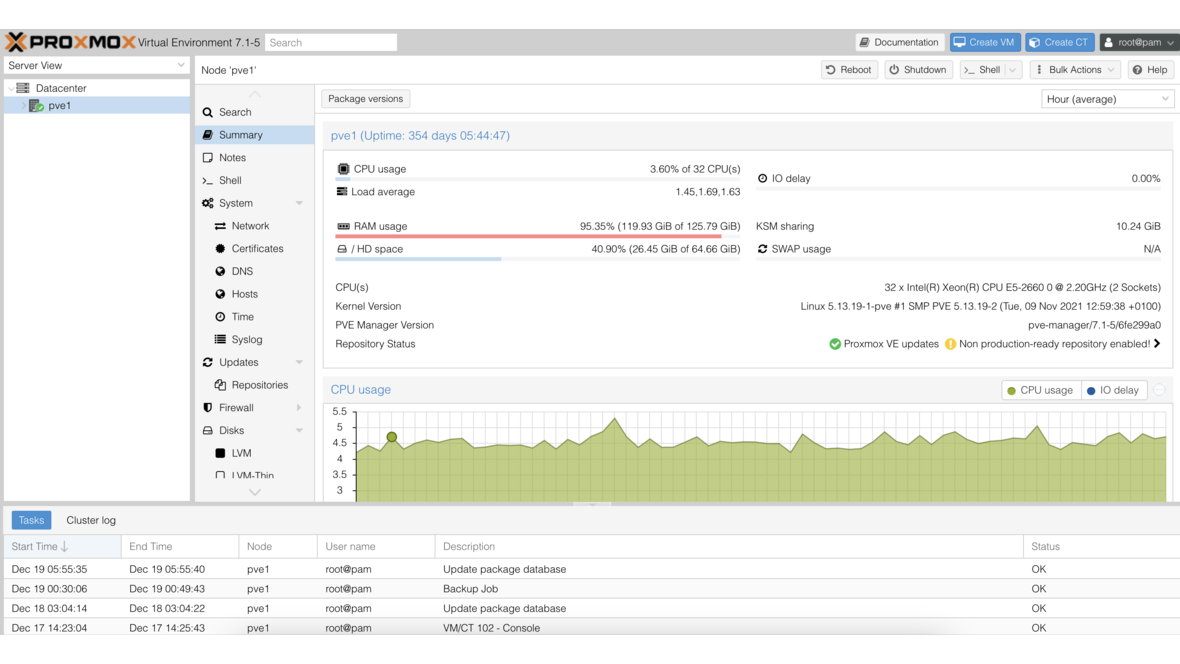
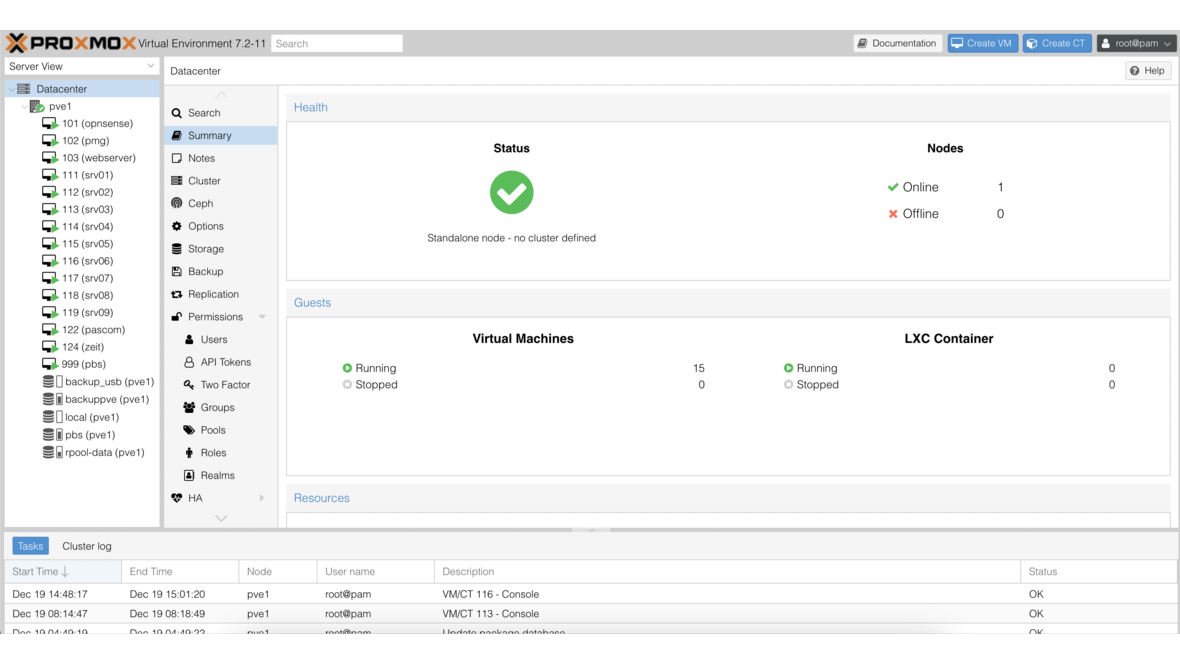

Two Technologies, One Platform
Proxmox VE combines KVM full virtualisation and LXC containers in a single management interface.
KVM Virtualisation
Full hardware virtualisation for Windows and Linux. Each VM receives its own virtual hardware and runs completely isolated -- ideal for production workloads.
LXC Containers
Lightweight operating system virtualisation with minimal overhead. Containers share the host kernel and start in fractions of a second -- perfect for microservices and development environments.
Backup and Disaster Recovery
Proxmox VE offers integrated backup functionality with configurable retention policies. Combined with Proxmox Backup Server (PBS), it creates a complete enterprise backup solution with deduplication, encryption and incremental backups.
For maximum security, we recommend synchronisation to a secondary Proxmox Backup Server at a remote location -- for genuine offsite backup and disaster recovery.
More about Proxmox Backup ServerAutomated Backups
Scheduled backups for VMs and containers with flexible timetables.
Incremental Backup
Only changed data is backed up -- faster and more storage-efficient.
Offsite Replication
Synchronisation to remote locations for disaster recovery.
Encryption
Client-side encryption for secure backups even on external systems.
DATAZONE is a Proxmox Authorized Reseller
As an official Proxmox Authorized Reseller, we provide you with access to enterprise subscriptions including the enterprise repository and direct developer support. Licensing is per physical server or CPU socket on an annual basis.
We guide you from planning and sizing through installation and configuration to training your administrators and ongoing operations.
Frequently Asked Questions about Proxmox VE
Answers to the most important questions about Proxmox virtualisation.
How much does Proxmox VE cost?
Is Proxmox a good alternative to VMware?
Can you migrate from VMware to Proxmox?
How many VMs can Proxmox manage?
Does Proxmox support Windows VMs?
What is the difference between KVM and LXC?
Related Topics
Proxmox vs. VMware
Detailed comparison: features, costs and migration from VMware to Proxmox.
Proxmox Backup Server
Enterprise backup solution for your Proxmox environment with deduplication and encryption.
TrueNAS Storage
Enterprise storage with ZFS -- the perfect complement for your Proxmox cluster.
OPNsense Firewall
Secure your virtualised environment with a professional open source firewall.
Virtualisation with Proxmox?
Whether VMware migration, cluster setup or storage integration -- we are happy to advise you.
Get in touch