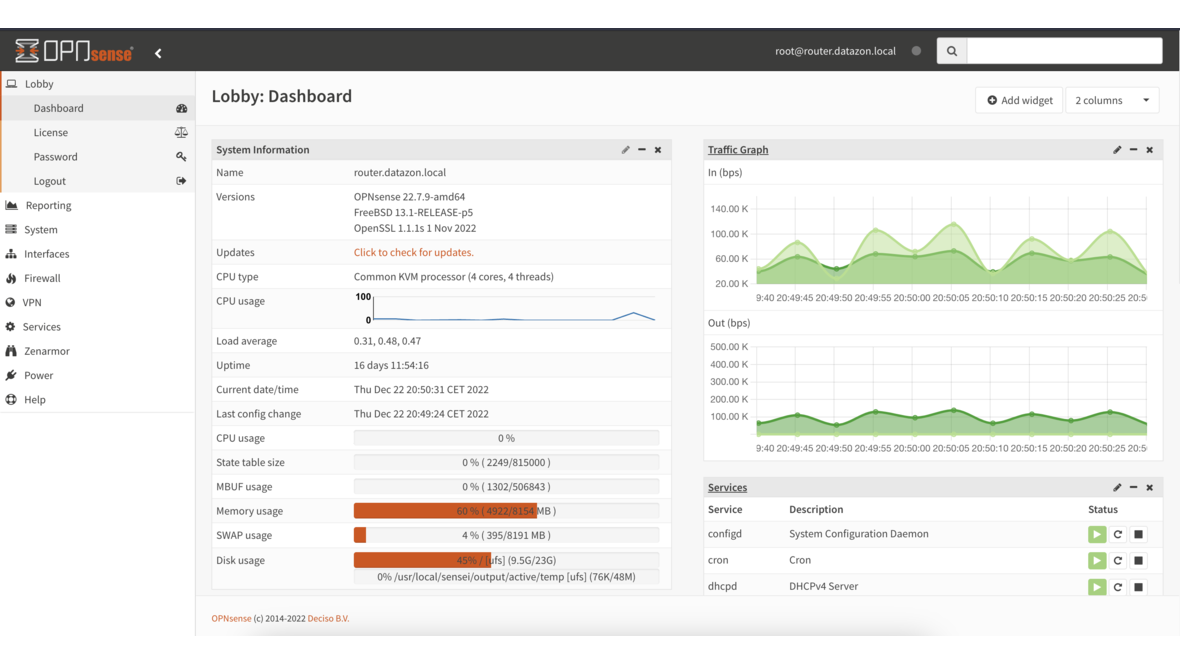
Every connection in a network begins with a DNS query. Handing those queries to an external resolver like Google (8.8.8.8) or Cloudflare (1.1.1.1) gives that provider a complete view of every user’s browsing behavior — unencrypted, traceable, with zero control on your side. With Unbound on OPNsense, you run a local DNS resolver instead: one that resolves queries itself, forwards them encrypted via DNS over TLS, and blocks advertising and malware domains directly on the firewall.
Why a Local DNS Resolver Matters
Three arguments make the case for running your own resolver:
Privacy: An external DNS resolver sees every domain your employees visit — from business applications to personal searches. A local resolver keeps that data on your own network. Combined with DNS over TLS, even forwarded queries to upstream servers are encrypted.
Speed: Frequently queried domains are cached locally. Instead of traversing the internet for every lookup, Unbound responds from cache in under a millisecond. In networks with hundreds of clients, this advantage adds up significantly.
Control: Through blocklists, custom entries, and split-DNS configurations, you decide exactly which domains resolve and which do not. This replaces external filtering solutions and eliminates dependency on third-party providers.
Configuring Unbound on OPNsense
Unbound is already integrated into OPNsense and active by default. The base configuration is found under Services > Unbound DNS > General:
Enable Unbound:          ✓
Listen Port:             53
Network Interfaces:      LAN (and additional internal interfaces)
DNSSEC:                  ✓
DNS over TLS:            ✓
With this setup, Unbound listens on all internal interfaces, validates responses via DNSSEC, and forwards queries encrypted. Make sure your DHCP configuration distributes the firewall IP as the DNS server to all clients.
DNS over TLS: Encrypted Forwarding
Under Services > Unbound DNS > DNS over TLS, configure the upstream servers that Unbound forwards queries to when the answer is not cached and direct resolution is not possible:
Server:     1.1.1.1       Port: 853    Domain: cloudflare-dns.com
Server:     1.0.0.1       Port: 853    Domain: cloudflare-dns.com
Server:     9.9.9.9       Port: 853    Domain: dns.quad9.net
Server:     149.112.112.112  Port: 853 Domain: dns.quad9.net
By specifying the domain name, Unbound verifies the TLS certificate of the upstream server. Port 853 is the standard port for DNS over TLS. Your ISP can still see that DNS queries are taking place, but can no longer determine which domains are being resolved.
DNSSEC Validation
DNSSEC protects against DNS spoofing by cryptographically signing responses. Unbound validates these signatures automatically when DNSSEC is enabled under General. Failed validations are returned to the client as SERVFAIL — a manipulated response never reaches the user.
Verify the functionality with a targeted test:
drill -D sigfail.verteiltesysteme.net    # Must fail (SERVFAIL)
drill -D sigok.verteiltesysteme.net      # Must resolve successfully
DNS Blocklists: Blocking Ads and Malware at the Firewall Level
The OPNsense plugin os-unbound-plus-dnsbl extends Unbound with DNS-based blocklists. After installation under System > Firmware > Plugins, the menu item Services > Unbound DNS > Blocklist appears:
Enable DNSBL:            ✓
Blocklist Type:          Steven Black Unified Hosts
                         Hagezi Multi Pro
                         OISD (Full)
Whitelist:               teams.microsoft.com
                         login.microsoftonline.com
Destination:             0.0.0.0  (NXDOMAIN or null route)
Unbound responds to queries for blocked domains with 0.0.0.0 or NXDOMAIN. The domain is never resolved, the client gets no connection — without requiring any separate hardware or software.
Comparison: Unbound DNSBL vs. Pi-hole vs. AdGuard Home
| Criterion | Unbound DNSBL | Pi-hole | AdGuard Home |
|---|---|---|---|
| Separate Hardware | No (runs on the firewall) | Yes (Raspberry Pi or VM) | Yes (container or VM) |
| Web Dashboard | Integrated into OPNsense | Standalone | Standalone |
| DNSSEC Validation | Built-in | Via upstream | Built-in |
| DNS over TLS/HTTPS | DoT native | Via upstream | DoT and DoH |
| Regex Filters | Yes | Yes | Yes |
| DHCP Integration | Directly via OPNsense | Own DHCP server | Own DHCP server |
| Maintenance Overhead | Minimal (part of the firewall) | Separate system | Separate system |
The advantage of Unbound DNSBL on OPNsense: no additional device, no separate point of failure, and no dependency on another software platform. Everything runs on the firewall that already sees every DNS query.
Custom Overrides and Host Entries
Under Services > Unbound DNS > Overrides, you create custom DNS entries. Typical use cases include:
Host:    intranet    Domain: company.local    IP: 192.168.1.50
Host:    wiki        Domain: company.local    IP: 192.168.1.51
Host:    erp         Domain: company.local    IP: 192.168.1.52
These entries are resolved before any external queries and are ideal for internal services that should be reachable via descriptive hostnames — without needing to operate a full internal DNS server.
Split DNS for Internal Domains
In environments with Active Directory or internal zones, you forward specific domains to internal DNS servers. Under Services > Unbound DNS > Overrides > Domain Overrides:
Domain:      ad.company.local
Server:      192.168.1.10
Description: Active Directory Domain Controller
Unbound resolves ad.company.local and all its subdomains through the internal domain controller, while all other queries are processed normally. This allows Unbound to coexist seamlessly with existing Active Directory infrastructure.
Whitelisting: Avoiding False Positives
Blocklists are never perfect. Legitimate services like Microsoft Teams, Adobe license servers, or banking portals occasionally end up on lists. Under Services > Unbound DNS > Blocklist > Whitelist, add these domains:
teams.microsoft.com
login.microsoftonline.com
activation.adobe.com
*.bankname.com
Whitelisted domains are never blocked, regardless of how many blocklists they appear on. Tip: Monitor DNS logs closely after activating new blocklists to catch false positives quickly.
Performance Tuning
For networks with many clients, fine-tuning the Unbound configuration pays off. Under Services > Unbound DNS > Advanced:
Prefetch:              ✓     (Renews cache entries before expiry)
Prefetch DNS Key:      ✓     (Preloads DNSSEC keys)
Cache Min TTL:         300   (Minimum cache time 5 minutes)
Cache Max TTL:         86400 (Maximum cache time 24 hours)
Message Cache Size:    64m   (64 MB for DNS responses)
RRset Cache Size:      128m  (128 MB for resource records)
Num Threads:           2     (Adjust to CPU cores)
Outgoing Range:        4096  (Concurrent outgoing queries)
Prefetch is particularly effective: Unbound proactively renews frequently queried entries before their TTL expires. Clients virtually always receive a response from cache — with no wait for a fresh resolution.
Monitoring DNS Queries with DATAZONE Control
DNS monitoring reveals unexpected patterns: devices sending hundreds of queries to unknown domains at night could be compromised. With DATAZONE Control, you monitor the Unbound service in a targeted manner:
- Query rate — How many queries per second is Unbound processing? Sudden spikes indicate anomalies.
- Cache hit rate — A rate below 60% points to suboptimal cache settings or an unusually high number of unique domains.
- Blocked queries — How many queries are being filtered by blocklists? A sudden increase may indicate a malware infection on the network.
- DNSSEC failures — Frequent validation failures suggest issues with upstream responses or time synchronization.
Combined with comprehensive network monitoring, you detect not only DNS issues but also security incidents early on.
Conclusion
Unbound DNS on OPNsense combines a local resolver, encrypted forwarding, DNSSEC validation, and blocklists in a single component — directly on the firewall, without additional hardware. Combined with split DNS, custom overrides, and targeted tuning, the result is a DNS infrastructure that is faster, more secure, and more transparent than any external resolver. The key is tailoring the configuration to your own environment and monitoring it continuously.
Want to set up Unbound DNS on your OPNsense firewall — complete with blocklists, split DNS, and monitoring? We configure your OPNsense infrastructure from the ground up and integrate it into your monitoring — get in touch.
More on these topics:
More articles
Firewall for small businesses 2026: the honest comparison
Firewall for small businesses 2026 compared: FritzBox, OPNsense, pfSense Plus, Sophos XGS and Fortinet FortiGate -- what fits for 5 to 50 users?
The Cloud Is Not a Backup: On-Premises TrueNAS as Your Resilient Extra Layer
After destroyed data centers, even AWS pointed customers to their own backups. Why an on-premises backup layer with TrueNAS (immutable ZFS snapshots, pull replication, air-gap) is a mandatory part of any data strategy.
MFA Methods: TOTP vs. FIDO2 vs. Push — Which for SMBs?
MFA comparison for SMBs: TOTP, FIDO2 and push notifications in practice. Phishing resistance, cost, and rollout with Authentik or Keycloak.