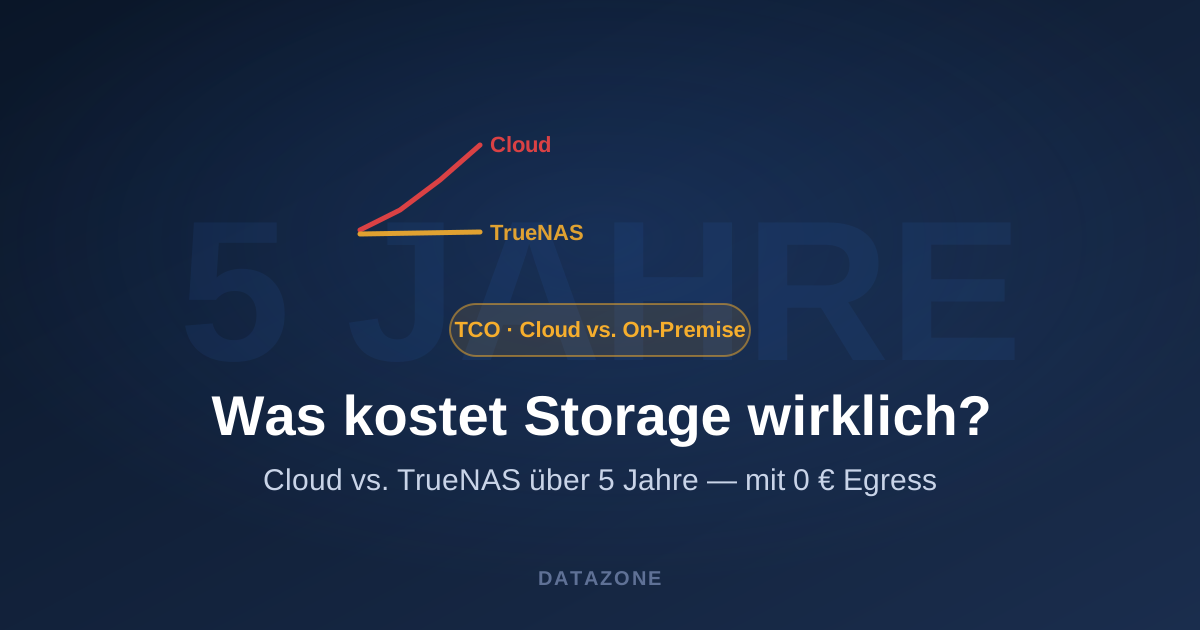
“Move it to the cloud, it’s cheaper” — that sentence often doesn’t survive the spreadsheet. Cloud storage is cheap on the price sheet, but total cost of ownership (TCO) only shows up in operation: egress fees, API calls, replication, premium tiers, and the simple fact that data sits there permanently. This article does the honest math — and shows when on-premises storage with TrueNAS clearly wins.
The hidden cost of cloud
Price per TB is just the tip of the iceberg. On top come:
- Egress fees — uploading data is cheap, getting it back out costs. On restores, migrations or active use, this becomes the main cost driver.
- API/request cost — every GET/PUT/LIST counts, especially for backup and archive workloads with many small objects.
- No lasting volume discount — the subscription scales linearly with data growth. What looks cheap today is a fixed, growing monthly load in three years.
- Premium for performance — low latency and high throughput cost extra in the cloud.
The cost of on-premises TrueNAS
TrueNAS is a one-time investment plus predictable operation:
- Hardware — one-time, depreciated over 5 years, often usable well beyond.
- Power & heat — plannable and moderate on modern platforms; the configurator shows the annual figure directly.
- Support/license — predictable as TrueNAS Enterprise with an SLA, or free as the Community Edition.
- Egress = €0 — a restore runs over your own line, not your credit card.
Worked example: 100 TB over 5 years
Take 100 TB of usable storage, held permanently and used regularly (backups, file services, VM storage):
| Item | Cloud (object storage) | On-premises TrueNAS |
|---|---|---|
| Storage per month | ongoing, rising with growth | included in the investment |
| Egress on use/restore | per TB, often the biggest block | €0 |
| API/request cost | ongoing | — |
| Hardware | — | one-time |
| Power (24/7) | — | plannable (configurator shows €/yr) |
| After 5 years | total keeps rising linearly | investment amortized, then only power |
Exact numbers depend on provider, region and access pattern — but the pattern is robust: the larger, longer-lived and more active the dataset, the sooner the break-even tips toward TrueNAS. For actively used, growing data it is often reached within the first two years.
When the cloud still wins
To be fair: for bursty, short-lived loads, global distribution and projects without predictable volume, the cloud is strong. So the honest answer is rarely “either/or” but hybrid — elasticity from the cloud, the stable, large and sensitive dataset on-premises. More: On-premises vs. cloud and The cloud is not a backup.
Run the numbers yourself
The biggest unknown is usually your own power and capacity needs. The TrueNAS configurator makes exactly that transparent: pick model, disks and RAID — and you instantly see usable capacity, power draw and annual power cost. That puts the on-premises side of the TCO on the table in minutes.
→ Calculate capacity & power cost in the TrueNAS configurator
Conclusion
Cloud storage isn’t inherently expensive — but after 5 years the bill often looks different than on day one. For large, long-lived, actively used datasets, on-premises TrueNAS regularly beats the cloud on total cost, above all through €0 egress and no ongoing monthly load.
As an authorized TrueNAS reseller in Germany, we’re happy to run your case concretely. Build your system in the configurator or get in touch for a no-obligation quote.
More on these topics:
More articles
IT in the Trades: How a 50-Employee SMB Runs Proxmox and TrueNAS in Production
Anonymised reference case: a mid-sized trades business with 50 employees, project drawings, DATEV accounting and mobile site managers on Proxmox and TrueNAS.
TrueNAS SMB Security: AES-128/256, SMB3 Signing, and What Admins in SMB Shops Should Change Now
TrueNAS SMB security done right: disable SMB1, enforce SMB3 signing, enable AES-128/256-GCM, and keep clean audit logs — a practical guide for small and midsize shops.
TrueNAS Mini R for the home office: real enterprise storage for branch sites and remote teams
TrueNAS Mini R for home office and branch sites: 2U rackmount with ECC, 10 GbE, ZFS replication back to HQ and TrueCloud. Buyer's guide for edge storage and remote teams.