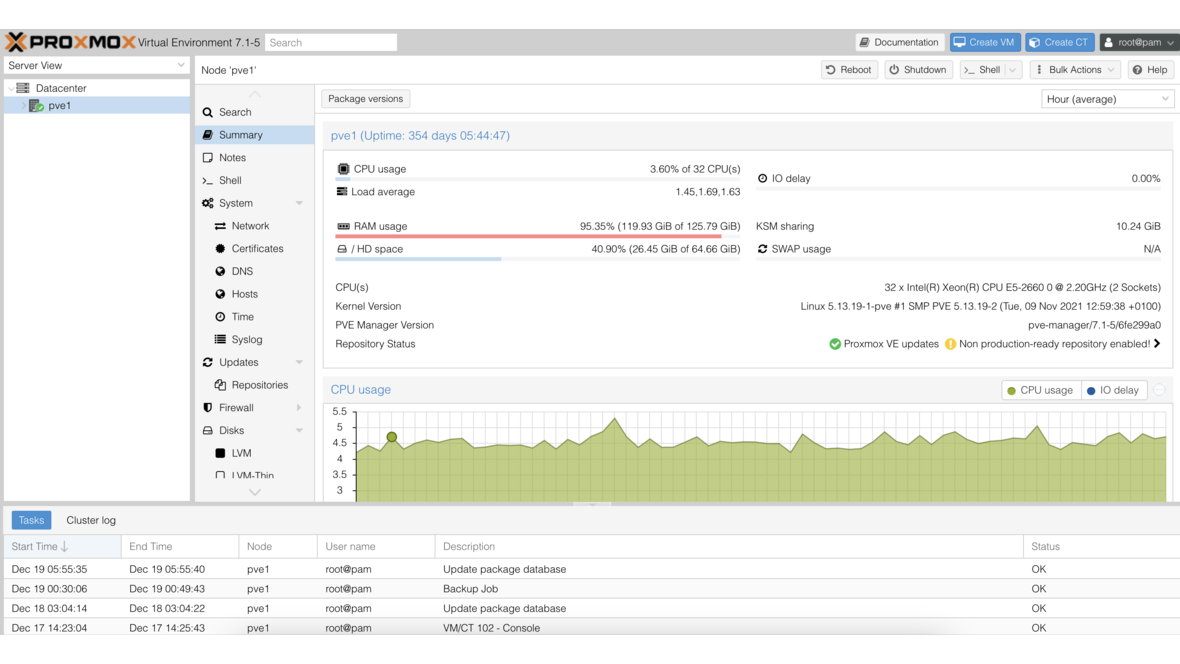
Choosing the right storage type is one of the most consequential decisions when building a Proxmox VE infrastructure. Local storage, shared network storage, software-defined cluster storage — Proxmox supports a broad range of options, and each comes with its own strengths and trade-offs. This article gives you a structured overview of all common storage types, explains when each approach makes sense, and provides concrete recommendations for business deployments.
Local Storage: The Options at a Glance
Local storage resides directly on the Proxmox VE host. It is easy to configure, offers low latency, and works well in many scenarios — but it is not natively suited for live migration or high availability without additional architecture.
Directory (ext4 / XFS)
The simplest storage type: Proxmox manages VM images, container rootfs, and ISOs as files in a regular directory. The underlying filesystem is typically ext4 or XFS.
Advantages: No additional configuration required, immediately ready to use, well-suited for ISOs and backups.
Disadvantages: No native snapshots (only via QEMU-internal mechanisms), no storage-level backup snapshots, performance depends entirely on the underlying hardware.
Use case: Entry-level setups, homelabs, ISO and template storage.
LVM (Logical Volume Manager)
LVM manages block devices on the host and presents raw block devices to VMs. VM images are stored as LVM logical volumes.
Advantages: Low overhead, strong performance for I/O-intensive workloads, straightforward management using standard Linux tools.
Disadvantages: No snapshot support in Proxmox without LVM-Thin, no overprovisioning, capacity management must be done manually.
Use case: Dedicated database VMs, workloads with consistent I/O demands.
LVM-Thin
LVM-Thin is the recommended LVM variant for Proxmox. Thin pools enable overprovisioning and — critically — true snapshot support.
Advantages: Native snapshot support, overprovisioning possible (more VMs than physical space available), more efficient use of storage.
Disadvantages: Data loss risk when the pool fills up, monitoring actual utilization is mandatory, slightly more management overhead than plain LVM.
Use case: Standard solution on hosts without ZFS requirements when snapshots are needed.
ZFS (local)
ZFS is the most feature-rich local filesystem and the recommended choice for new Proxmox installations. Proxmox ships with native ZFS support — no additional setup required.
Advantages: Block-level checksums (bit rot protection), native snapshots and clones, integrated RAID (mirror, RAIDZ), compression, self-healing in redundant configurations.
Disadvantages: Higher RAM requirements (minimum 8 GB, ideally 16–32 GB for ARC cache), CPU overhead for compression and checksums, ECC RAM strongly recommended.
Use case: Production environments, systems with valuable data, anywhere data integrity is a priority.
# Create a ZFS mirror during Proxmox setup or afterwards
zpool create -o ashift=12 rpool mirror /dev/sda /dev/sdb

# Enable compression (recommended)
zfs set compression=zstd rpool
Shared Storage: Network-Based Options
Shared storage allows multiple Proxmox hosts to access the same VM images simultaneously. This is the prerequisite for live migration without data copying and for high availability (HA) clusters.
NFS (Network File System)
NFS is the most widely used network storage type for Proxmox and is straightforward to set up. An NFS server — often TrueNAS or a dedicated NAS — provides shares that Proxmox mounts as storage.
Advantages: Easy setup, broad compatibility, well-suited for VM backups and ISO storage, no special client software required.
Disadvantages: No native snapshots through Proxmox, performance depends on the network and NFS server, network issues can disrupt VMs.
Use case: Backup storage, ISO library, shared storage in smaller environments.
# Mount an NFS share in Proxmox (Datacenter > Storage > Add > NFS)
# Alternatively via CLI:
pvesm add nfs nfs-storage --server 192.168.1.100 --export /mnt/pool/proxmox \
  --content images,iso,backup --options vers=4
CIFS/SMB
SMB shares work similarly to NFS but are particularly common in mixed environments with Windows systems or Synology NAS devices.
Advantages: Good integration with Windows-based NAS systems, easy to configure.
Disadvantages: Higher overhead than NFS, not ideally suited for VM images, performance below NFS on equivalent networks.
Use case: Backup storage, ISO library, environments where NFS is not available.
iSCSI with LVM
iSCSI presents block devices over the network. In Proxmox, iSCSI is often combined with LVM: an iSCSI LUN is used as a physical volume in an LVM volume group shared across all cluster nodes.
Advantages: Block-level performance over the network, HA-capable, familiar LVM tooling, broad hardware compatibility.
Disadvantages: Higher configuration effort than NFS, concurrent access from multiple hosts requires clustered LVM (clvm) or the LVM lock daemon, requires an iSCSI target (software or hardware).
Use case: Environments with existing SAN infrastructure, workloads requiring block storage, HA clusters.
Ceph RBD
Ceph is a software-defined, distributed storage solution integrated directly into Proxmox VE. Ceph distributes data across multiple cluster nodes, providing genuine software-defined shared storage without external hardware.
Advantages: No single point of failure, horizontally scalable (simply add more nodes), native Proxmox integration, live migration and HA without external dependencies, snapshot and clone support.
Disadvantages: Requires at least 3 nodes (5+ recommended), significant network demands (dedicated 10 GbE network recommended), higher RAM requirements per node (Ceph OSDs consume memory), learning curve for administration and troubleshooting.
Use case: Production clusters with 3 or more nodes, HA environments, scalable infrastructures.
Comparison Table: All Storage Types at a Glance
| Storage Type | Live Migration | Snapshots | Backups | Performance | Complexity | HA | Cost |
|---|---|---|---|---|---|---|---|
| Directory (ext4/XFS) | No | Limited | Yes | Medium | Low | No | None |
| LVM | No | No | Yes | High | Low | No | None |
| LVM-Thin | No | Yes | Yes | High | Medium | No | None |
| ZFS local | No | Yes | Yes | High | Medium | No | None |
| NFS | Yes | No* | Yes | Medium | Low | Yes | NAS/server |
| CIFS/SMB | Yes | No* | Yes | Low–Medium | Low | Yes | NAS/server |
| iSCSI + LVM | Yes | Limited | Yes | High | High | Yes | SAN/NAS |
| Ceph RBD | Yes | Yes | Yes | High | High | Yes | Hardware (3+ nodes) |
*Snapshots with NFS/CIFS are possible server-side (e.g., ZFS snapshots on TrueNAS), not through Proxmox itself.
Which Storage for Which Use Case?
Homelab and beginners: Local ZFS as system storage, NFS share from an existing NAS for backups and ISOs. Simple, reliable, no additional overhead.
SMB without HA requirements: Local ZFS (mirror or RAIDZ) as primary VM storage, Proxmox Backup Server on TrueNAS/NFS for backups. Snapshots and data integrity without cluster complexity.
SMB with HA requirements (2–4 nodes): iSCSI LUNs from TrueNAS as shared storage combined with local ZFS for read-intensive workloads. Ceph is often disproportionate at this scale; iSCSI with TrueNAS as the target is more pragmatic.
Enterprise environment (5+ nodes): Ceph RBD as the native Proxmox shared storage layer. Full integration, no external dependency, horizontal scalability. Requirements: a dedicated Ceph network and sufficient RAM per node.
Combining Storage Types: Best Practices
In practice, most organizations run multiple storage types in parallel — and that is by design. A proven setup for mid-sized environments:
- Local ZFS (mirror): Fast I/O-intensive VMs (databases, ERP systems)
- Ceph RBD or iSCSI: HA-capable VMs that need to migrate between nodes
- NFS (TrueNAS): Backups, ISO library, archive storage
- PBS (on ZFS): Proxmox Backup Server for incremental, deduplicated VM backups
Proxmox VE allows choosing the storage type per VM and per disk. A database VM can have its system disk on local ZFS and its backup target on NFS.
TrueNAS as External Storage for Proxmox
TrueNAS (Scale or Core) is one of the most common additions to Proxmox clusters. TrueNAS is built on ZFS and provides both NFS exports and iSCSI targets — both officially supported by Proxmox.
Typical setup: TrueNAS as a dedicated storage appliance presenting iSCSI LUNs for shared block storage and NFS shares for backup storage. Proxmox mounts both, giving you a cost-efficient, high-performance shared storage layer without proprietary SAN hardware.
When using iSCSI targets on TrueNAS, using ZFS zvols as the backing store is strongly recommended — they offer server-side snapshots managed by TrueNAS independently of Proxmox.
Storage Monitoring with DATAZONE Control
Storage problems announce themselves: utilization climbs, latency increases, ZFS pools report errors. DATAZONE Control monitors your entire Proxmox storage infrastructure centrally: ZFS pool status, disk utilization, iSCSI connectivity, and NFS mount health are continuously checked. Automatic alerts warn your team in time — before a full storage pool brings VMs to a halt — giving you the opportunity to act proactively rather than reactively.
Summary
There is no universally best Proxmox storage type. Local ZFS is the clear recommendation for most single-host setups. For HA clusters, Ceph is the most elegant solution — provided the minimum requirements are met. NFS and iSCSI from TrueNAS are pragmatic, cost-efficient alternatives for shared storage without the Ceph overhead. The key is to understand your workload requirements and combine storage types deliberately.
Want to build or optimize your Proxmox infrastructure with the right storage architecture? Contact us — we analyze your requirements and implement a storage design that fits your business precisely.
More on these topics:
More articles
ZFS vs. Btrfs vs. ext4: Which Linux Filesystem for Which Job in 2026?
ZFS vs Btrfs vs ext4 — an honest 2026 comparison: features, maturity, snapshots, send/receive, encryption, and where ext4 is still the right choice.
Proxmox for Beginners: Your First VM in 30 Minutes
Proxmox beginner guide: install the ISO, set up the network bridge, create your first VM, use Cloud-Init and plan a backup — no prior knowledge, done in 30 minutes.
On-Premises vs. Cloud: Where Local TrueNAS Storage Beats the Cloud
The cloud is not always the best choice. Where on-premises storage with TrueNAS wins on cost, data sovereignty, performance, control and resilience — and when hybrid is the smartest answer.