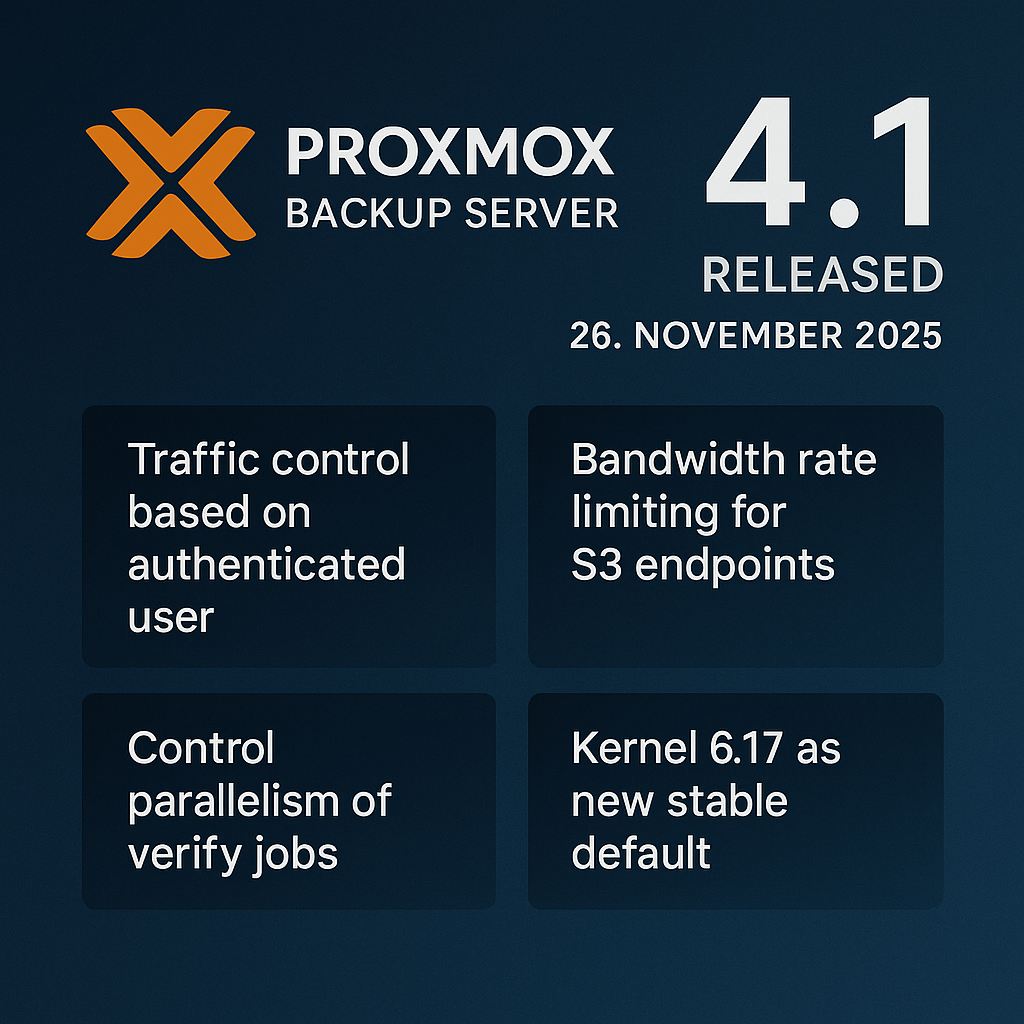
On November 26, 2025, Proxmox Backup Server 4.1 was officially released. The new version brings numerous improvements for performance, security, traffic control, and S3-based data storage. The foundation continues to be Debian Trixie (13.2), combined with the current Kernel 6.17.2-1 and ZFS 2.3.4.
With 4.1, Proxmox further expands the role of Backup Server as a reliable, scalable, and extremely fast backup solution for virtual infrastructures based on Proxmox VE.
1. Key New Features Overview
1.1 Traffic Control Now Configurable Per User
Previously, Proxmox Backup Server could restrict backup/restore traffic based on source IP or networks. With version 4.1, bandwidth control can now also be applied based on the authenticated PBS user.
Benefits for admins:
-
Fine-grained prioritization of backup jobs
-
User- or team-based traffic profiles
-
Better control in multi-tenant or MSP environments
When multiple rules apply, user-specific rules take priority.
1.2 Performance Boost: Parallelization of Verify Jobs
Verify jobs are CPU- and IO-intensive, as stored backup chunks are read and checksums are verified.
New in 4.1:
-
Configurable number of read threads
-
Configurable checksum verifying threads
-
Configurable per datastore, overridable per job
In many environments, this results in:
-
30-60% shorter verify run times
-
Optimized CPU utilization
-
Better planning of maintenance windows
1.3 Bandwidth Limits for S3 Endpoints
Since version 4.0, backups can be stored in S3-compatible object storage.
New in 4.1:
-
Bandwidth limits for uploads and downloads
-
Prevention of network overload
-
Precise control of large remote backups
Ideal for:
-
WAN offsite backups
-
Mixed MPLS/internet setups
-
Shared storage environments
1.4 Kernel 6.17 as the New Default
The new kernel brings:
-
Better hardware support
-
More stable network/storage drivers
-
Optimized performance in high-IO operation
2. Web GUI Improvements
Key GUI Improvements
-
Shell access for non-PAM users (with PAM re-auth)
-
Optimization for high-DPI/4K displays
-
Sort fix for “Last Comment”
-
Improved error displays, e.g., for WebAuthn
-
Updated translations (including German, Italian, Japanese, Korean)
These adjustments provide better clarity, stability, and user-friendliness.
3. Backend Optimizations
3.1 Extended Traffic Control
-
Traffic limits can consider users
-
Improved rule prioritization
-
More stable behavior under heavy load
3.2 Improvements to Snapshot Handling
-
Faster lock release
-
More reliable resync for pull jobs
-
Improved remote authentication
3.3 Garbage Collection Optimizations
Version 4.1 fixes several race conditions that could occasionally lead to:
-
Backup corruption
-
GC blockages
-
Temporary system freezes
Result: Significantly more robust backup management.
4. S3 Backend Improvements (Tech Preview)
| Area | Improvement |
|---|---|
| Rate Limits | Individual per endpoint — rate & burst |
| Stability | Retry mechanisms, more robust error handling |
| Compatibility | Endpoints without Date header or optional metadata |
| Performance | Fewer connection setups, optimized cache logic |
| Security | Improved protection against manipulated clients |
| GC Fixes | More reliable chunk cleanup |
These adjustments significantly improve the usability of S3 storage — especially in hybrid or offsite setups.
5. Access Control & Auth
New features:
-
Fix for 2-character realm names
-
Login with tickets possible again
-
OIDC logout issue resolved
-
Better passkey compatibility
-
Token-based VNC authentication via new API endpoint
6. Installation & System Management
Installer Optimizations
-
Interface name pinning -> prevents network errors after kernel changes
-
Improved root password validation
-
Debian CDN instead of mirror selection
System Management Improvements
-
More details in system report
-
Fixes for VMScape / Spectre
-
More stable mail compatibility
7. Known Issues
Issues with Kernel 6.17 on Dell PowerEdge
Some models do not reliably boot Kernel 6.17.
Recommended workaround:
proxmox-boot-tool kernel pin 6.14.11-4-pveDRBD/LINSTOR Incompatibility
Currently no Kernel 6.17 support -> also pin Kernel 6.14.
Conclusion
Proxmox Backup Server 4.1 brings noticeable improvements across the entire backup lifecycle: More control, more performance, more stability. S3 users and operators of large datastores in particular benefit from the optimizations.
Request Consulting or a Demo Now
Your backups deserve maximum security. We support you with architecture, migration, S3 integration, and PBS tuning.
-> Free initial consultation: https://datazone.de/kontakt
DATAZONE supports you with implementation — contact us for a no-obligation consultation.
More on these topics:
More articles
Proxmox for Beginners: Your First VM in 30 Minutes
Proxmox beginner guide: install the ISO, set up the network bridge, create your first VM, use Cloud-Init and plan a backup — no prior knowledge, done in 30 minutes.
The Cloud Is Not a Backup: On-Premises TrueNAS as Your Resilient Extra Layer
After destroyed data centers, even AWS pointed customers to their own backups. Why an on-premises backup layer with TrueNAS (immutable ZFS snapshots, pull replication, air-gap) is a mandatory part of any data strategy.
TrueNAS Proxmox Plugin exits pre-announcement: early-adopter rollout with signed APT repo
iXsystems has moved the TrueNAS storage plugin for Proxmox VE from pre-announcement to a concrete early-adopter rollout — signed APT packages for Bookworm and Trixie, a cluster-aware installer, multi-tenancy against a single TrueNAS, and official early-adopter status. What is new, what it means in practice, and where the limits are.